

In this article, we will guide you through the process of enabling and disabling the daily and weekly reports from SecuReporter. There are situations where a device is no longer in use, or recipients of the reports have changed, yet the reports continue to be sent. This guide provides a comprehensive method to manage and adjust your reporting settings effectively. Open the SecuReporter web page
Choose the organization and device from where you get the reports:
Go to the History menu and choose Reports
History-> ReportChoose the Report Settings on the right site:
Here you will see the daily and weekly Reports, and choose the daily or weekly report to disable or edit the settings, and check if there are separate email addresses added. If needed, remove them and save this section.
Done, now you will receive reports based on your settings.
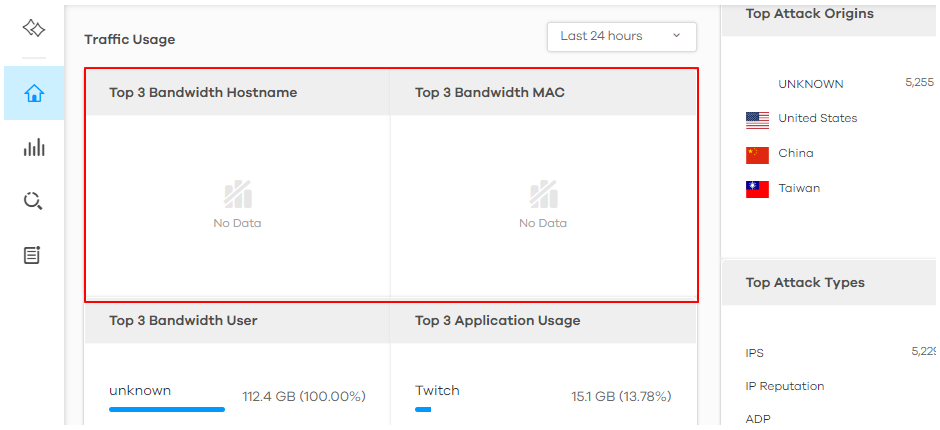
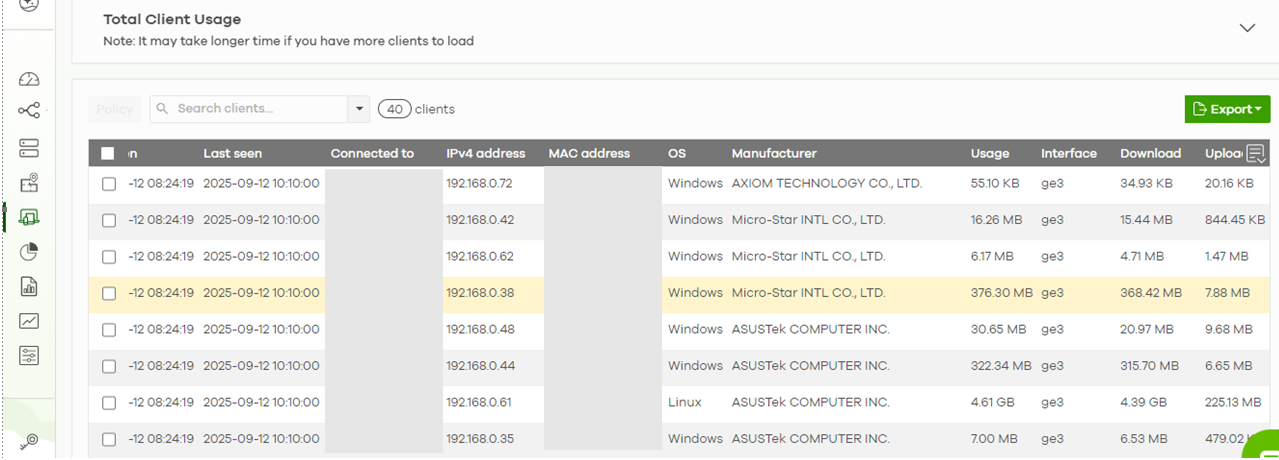
Note: The display of network traffic data for USG FLEX H series devices is currently handled through the Nebula platform. Starting from the end of October 2025, SecuReporter will include a guide and link to redirect users to view traffic data in Nebula.
 |
 |
Comments
0 comments
Please sign in to leave a comment.